ZAK SPARKLE
Prerequisites
Enable Unknown Sources
If you haven't enabled Unknown Sources, please check out our guide HERE.
If you haven't got Downloader installed, please check out our Installing Downloader guide HERE.
Remove any existing Sparkle-based apps. Please ask a member of staff if you are not sure what apps may conflict.
Let's Start!
-
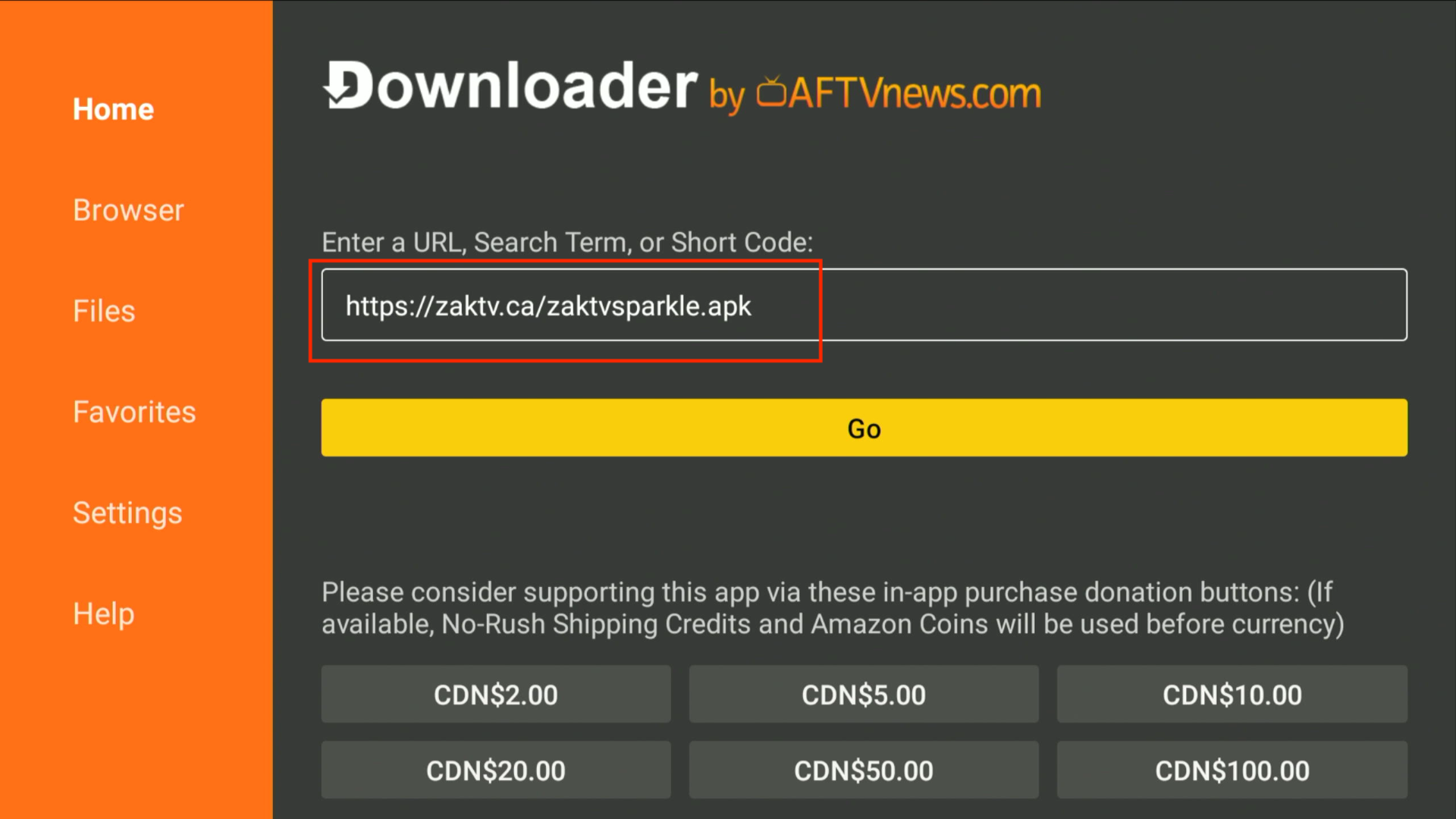
In the Enter a URL or Search Term: field, type
https://zaktv.ca/zaktvsparkle.apkor enter the downloader code:966374.
-
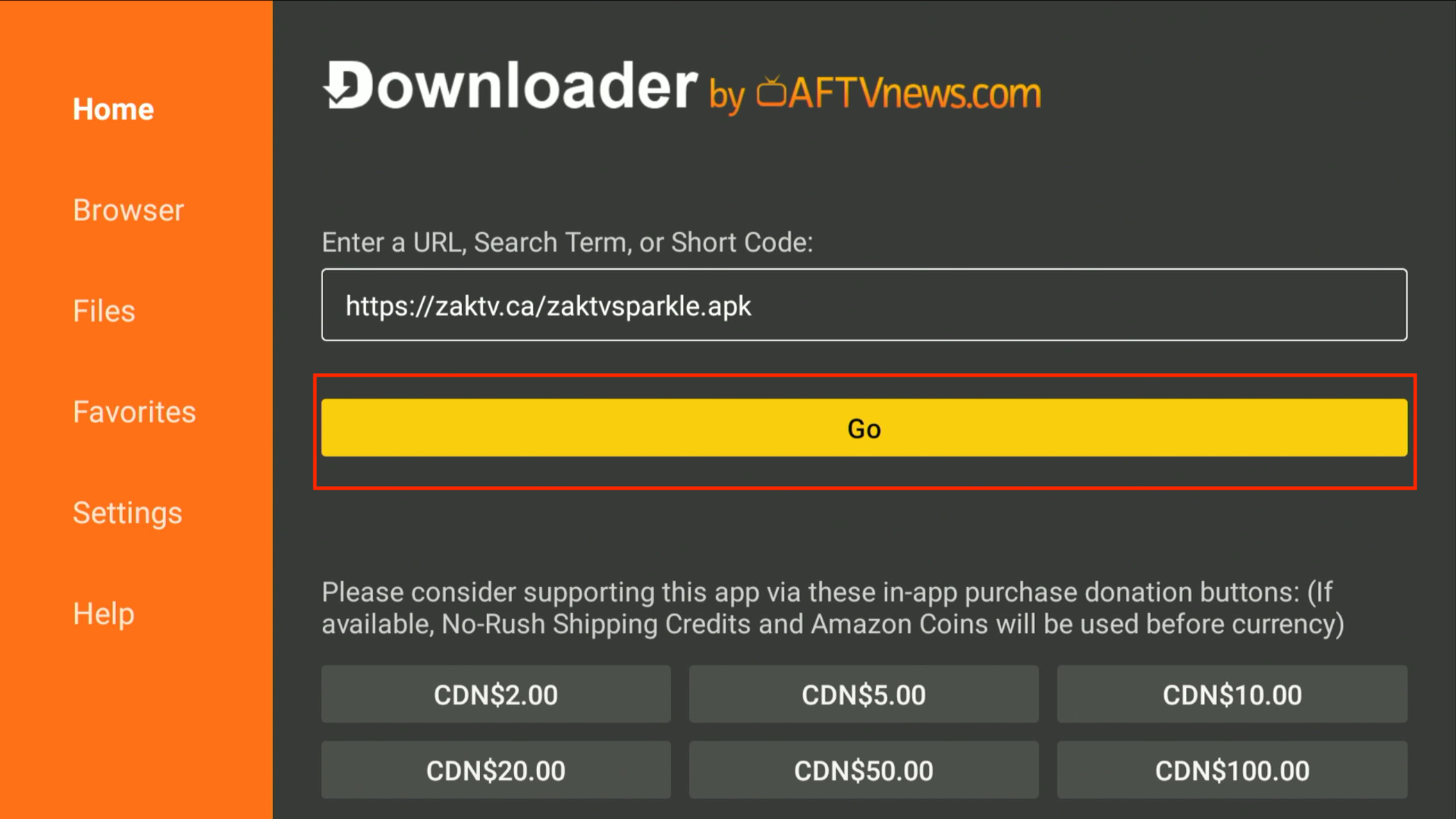
Press
Gobelow the URL field.
-
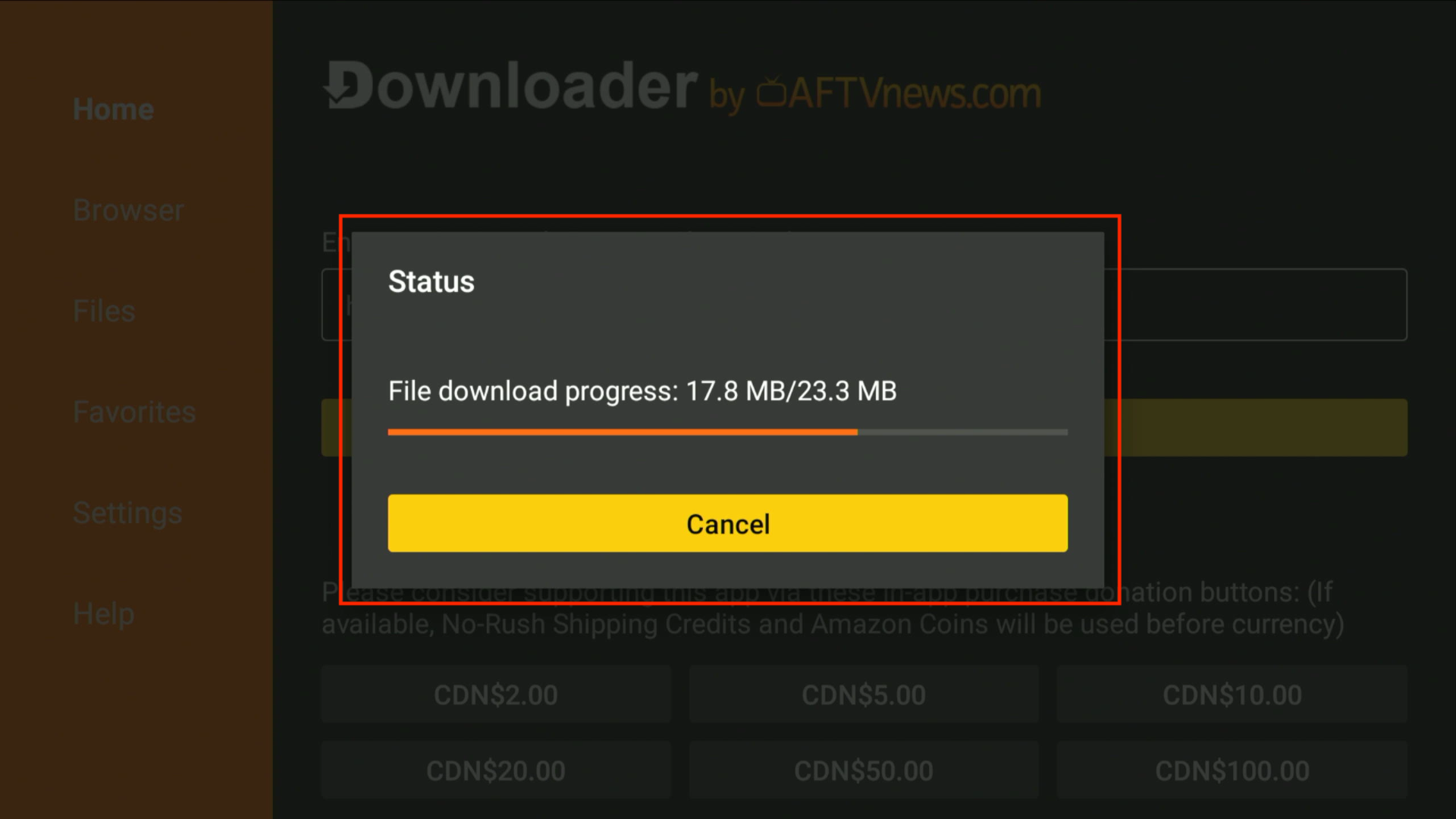
Downloader will start downloading the app. You'll see the progress screen below:
If you see a pop-up saying, “For your security, your TV is not allowed to install unknown apps from this source,” please refer to Unknown Apps.
-
Once the download is complete, click INSTALL on the screen shown below.
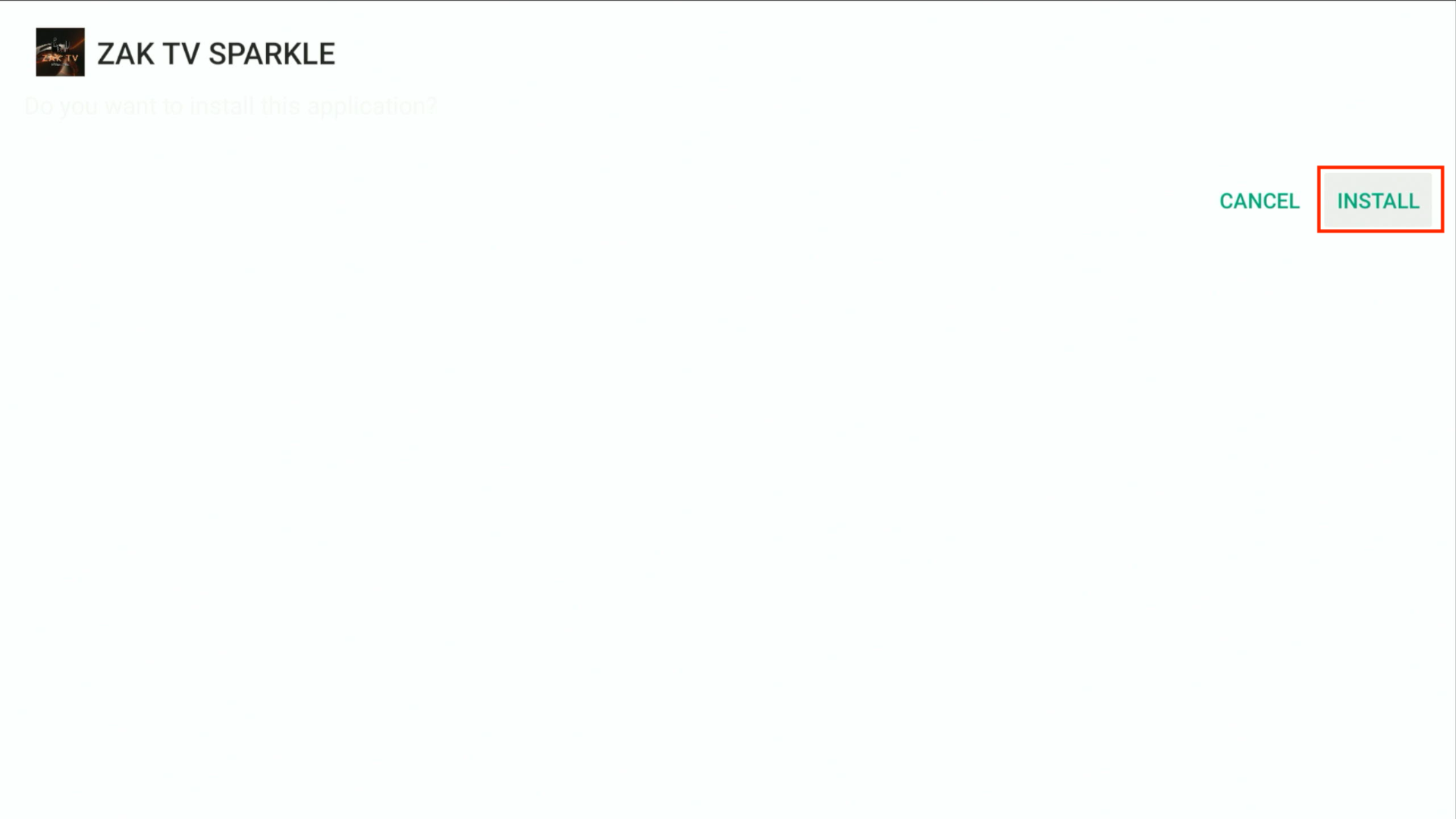
-
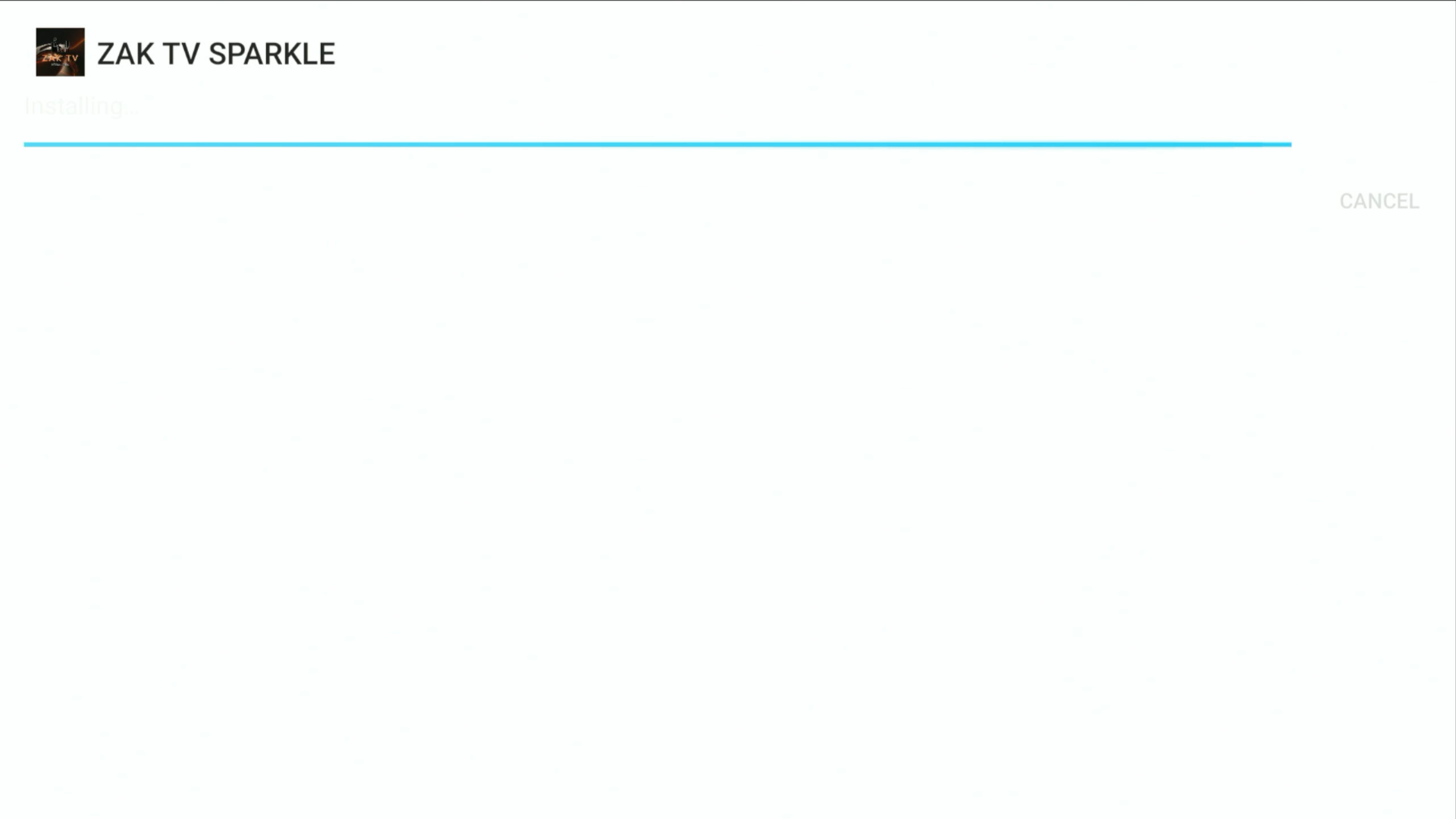
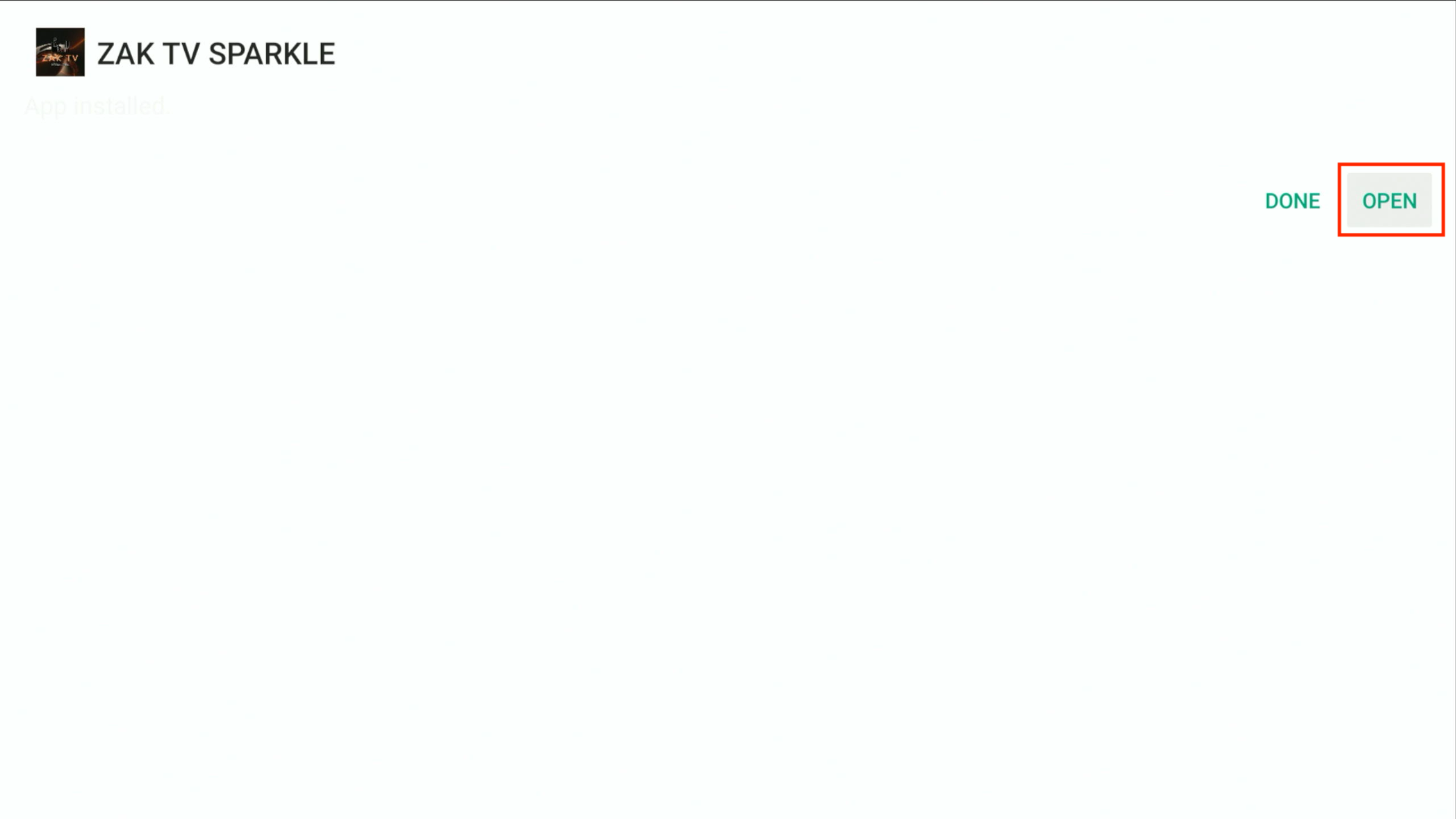
Wait for the app to install. Once installed, you will see a confirmation screen like this. Click OPEN to launch Sparkle.
-
Once the app has been installed you will see a confirmation screen like the one shown below. Click OPEN to open Sparkle.
-
CONGRATS! You have successfully downloaded ZAK TV Sparkle!

Adding a New Source
-
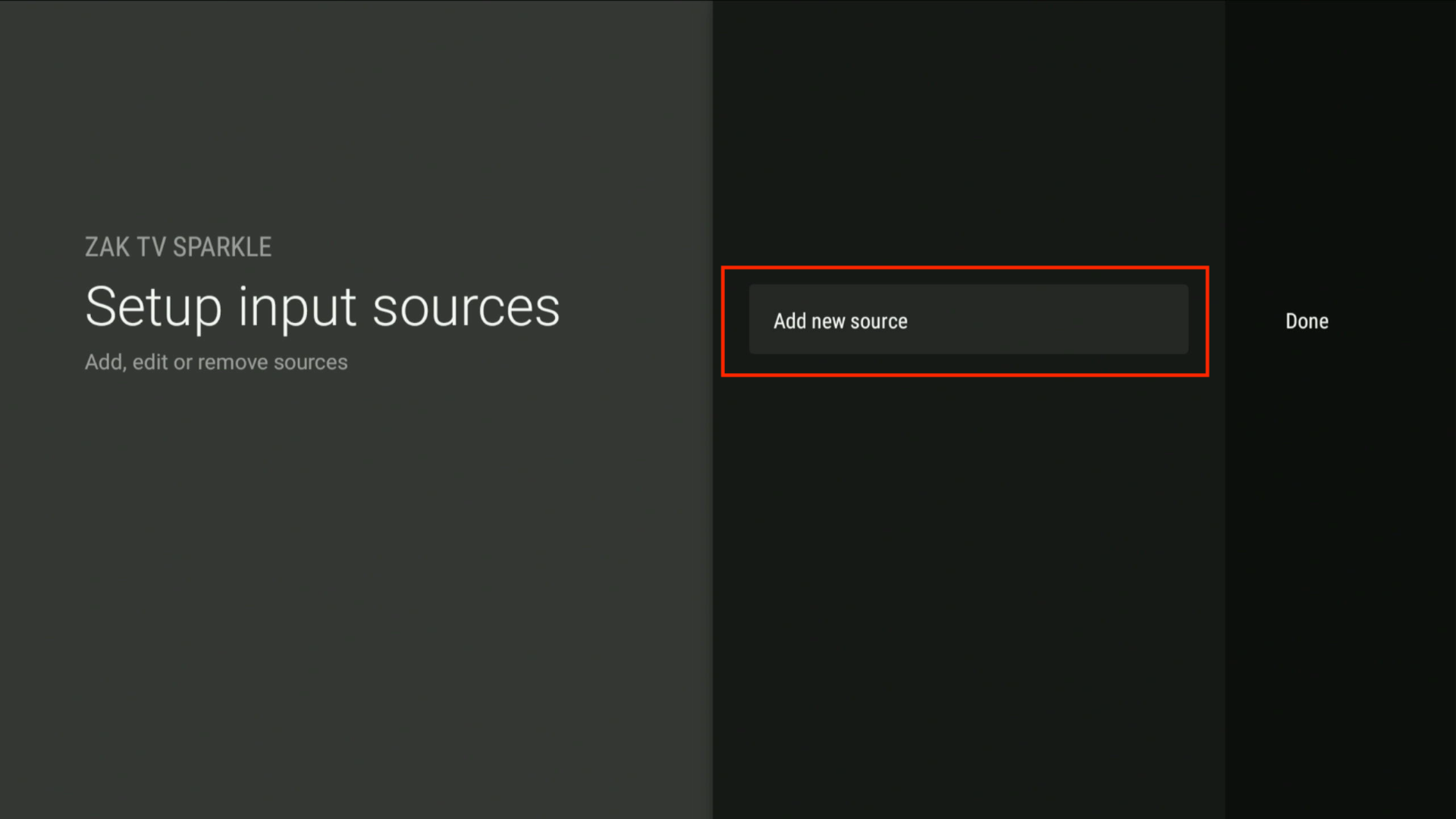
Click
Add New Sourceon the home screen.
-
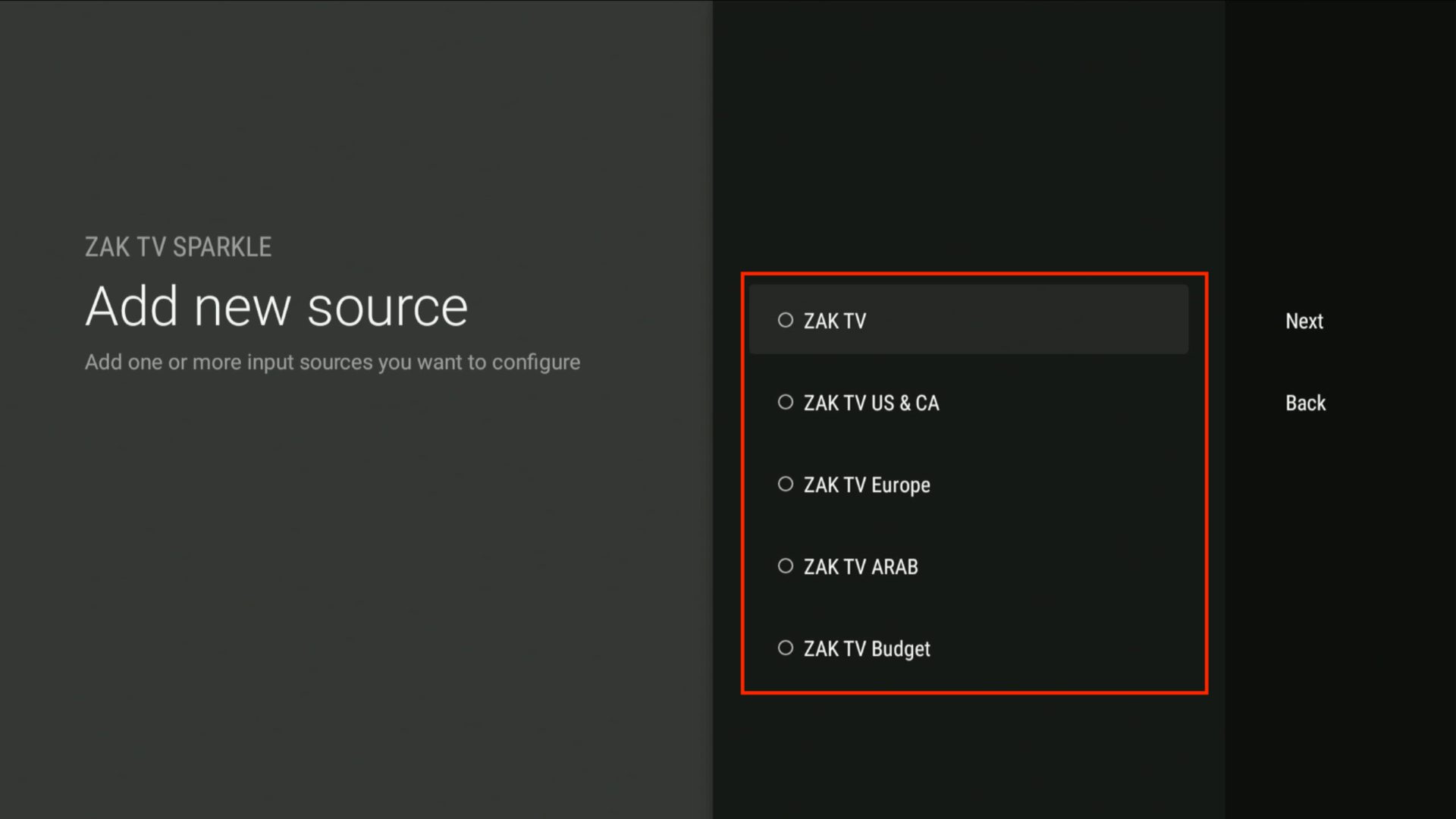
Choose the server that you signed up for. If you forgot, contact support via a technical support ticket.
-
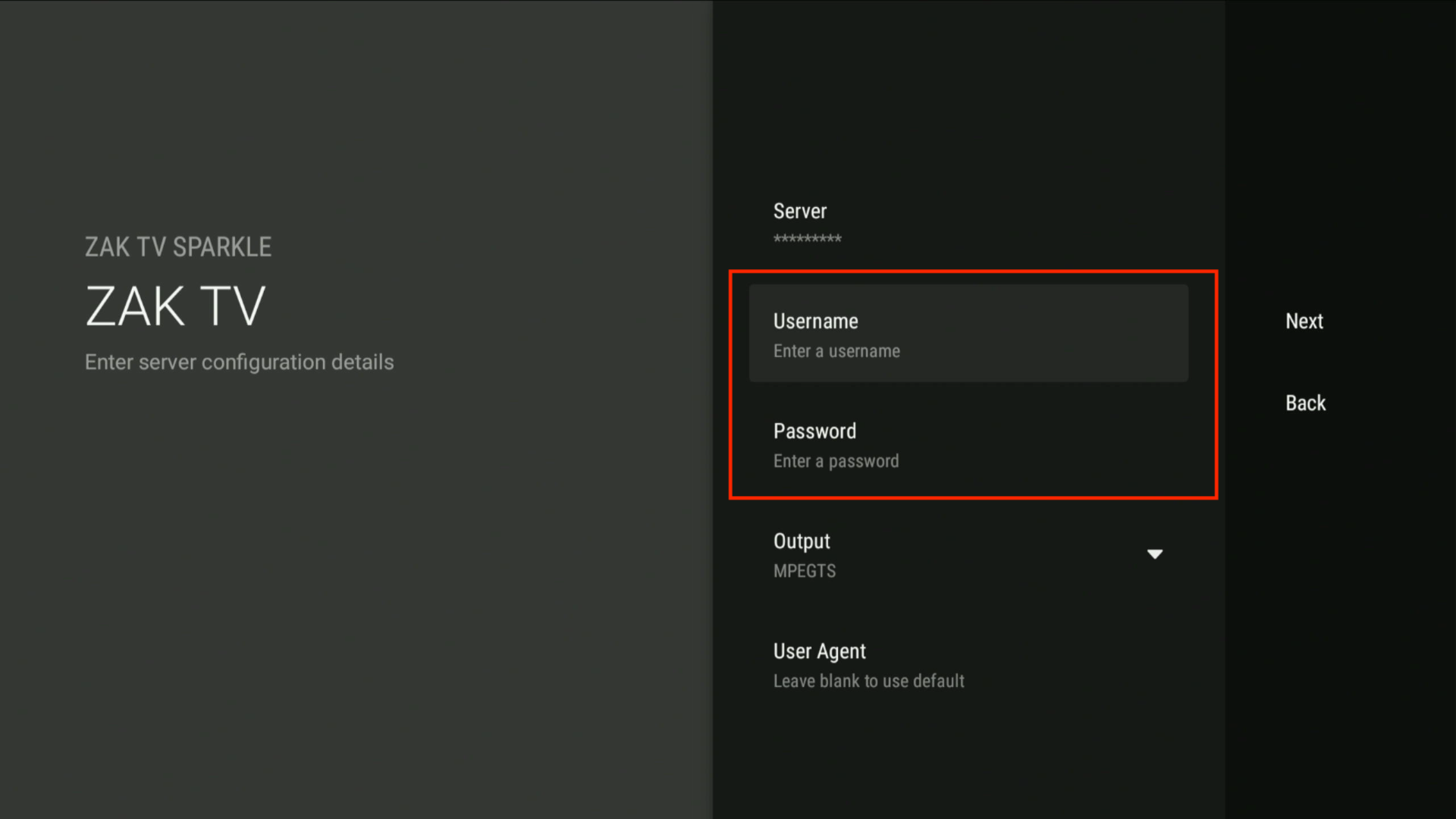
Enter your Username and Password provided during your subscription purchase.
-
Press
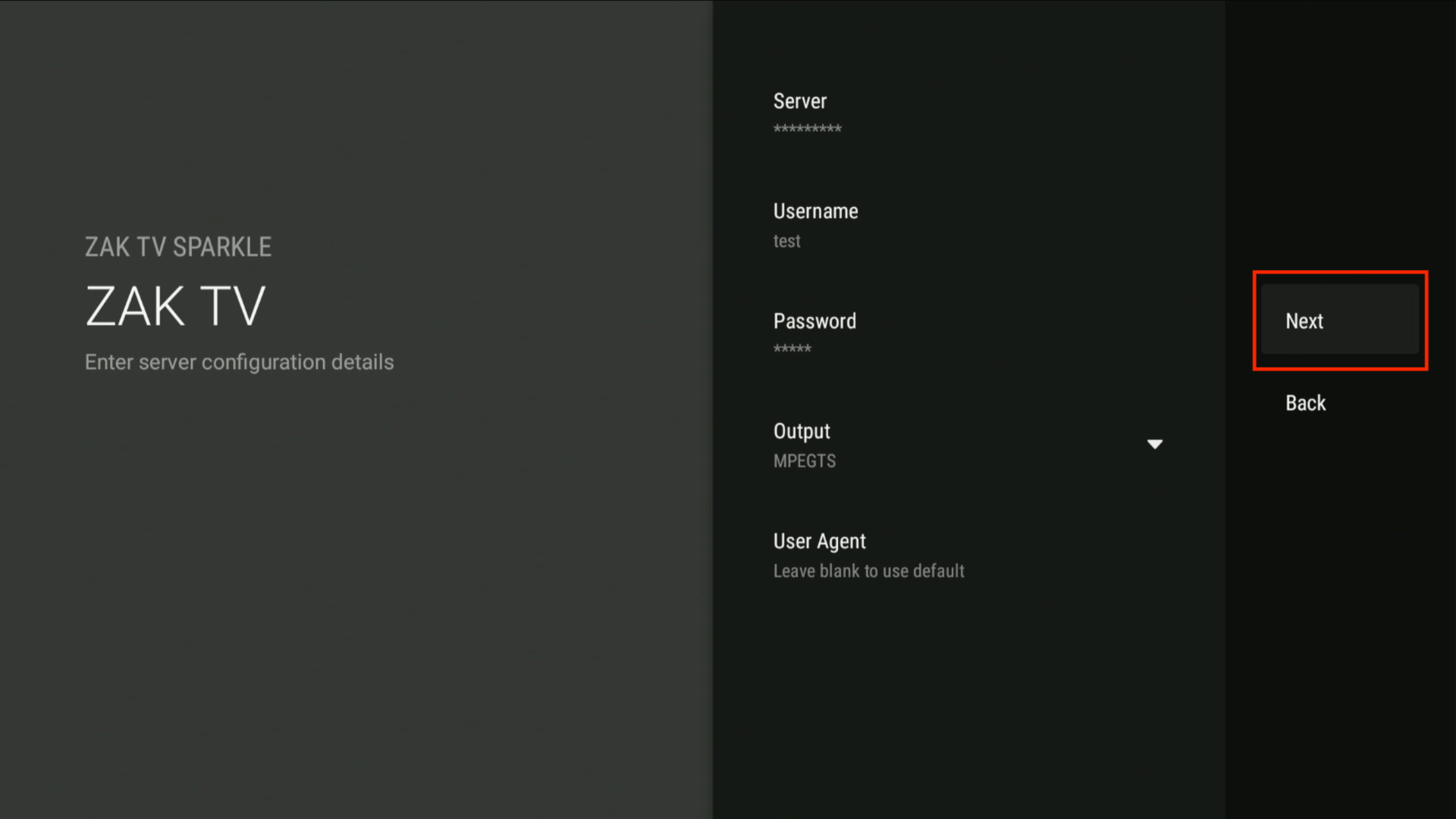
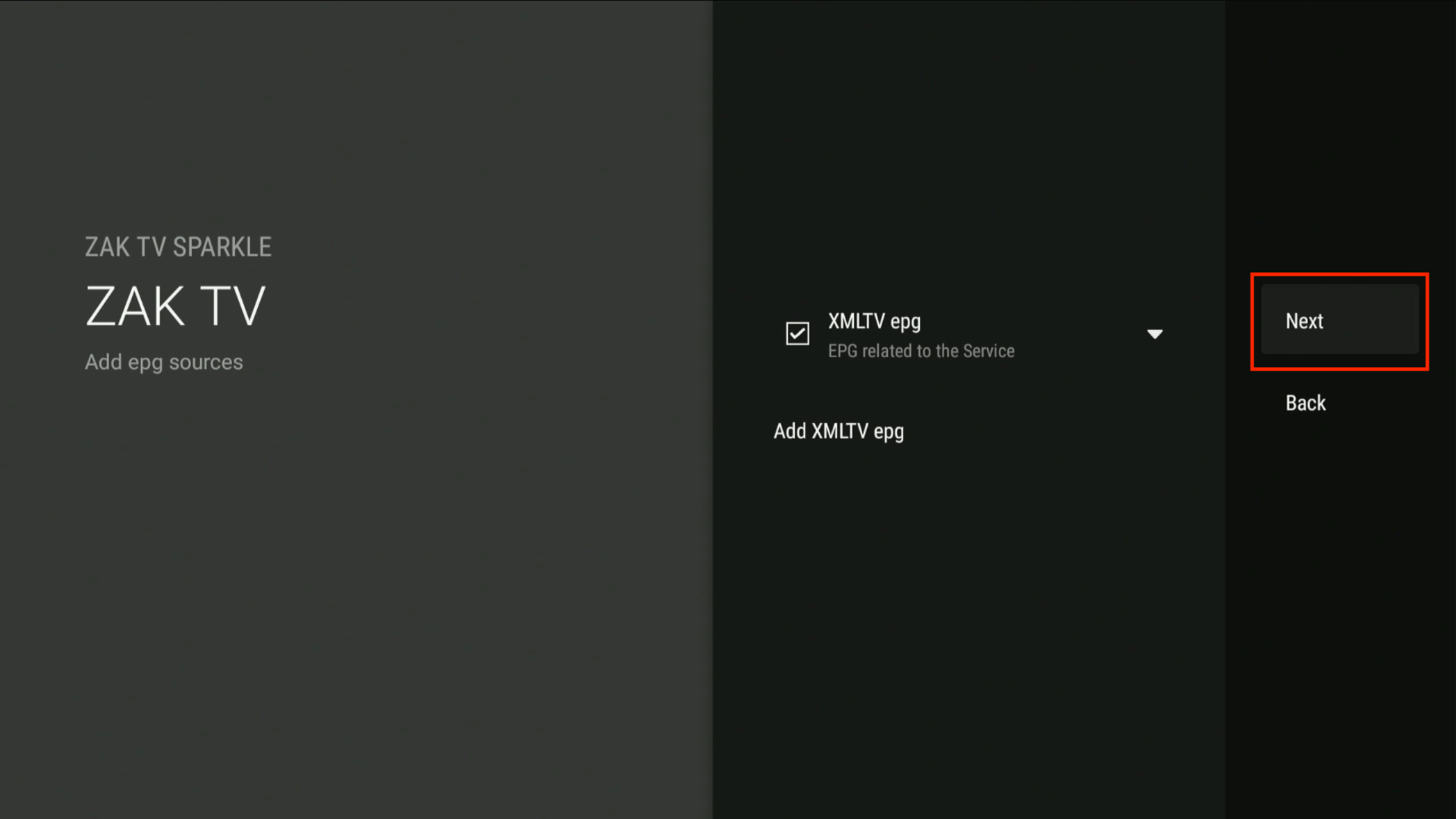
Nextuntil you see the screen that saysDone, then clickDone.
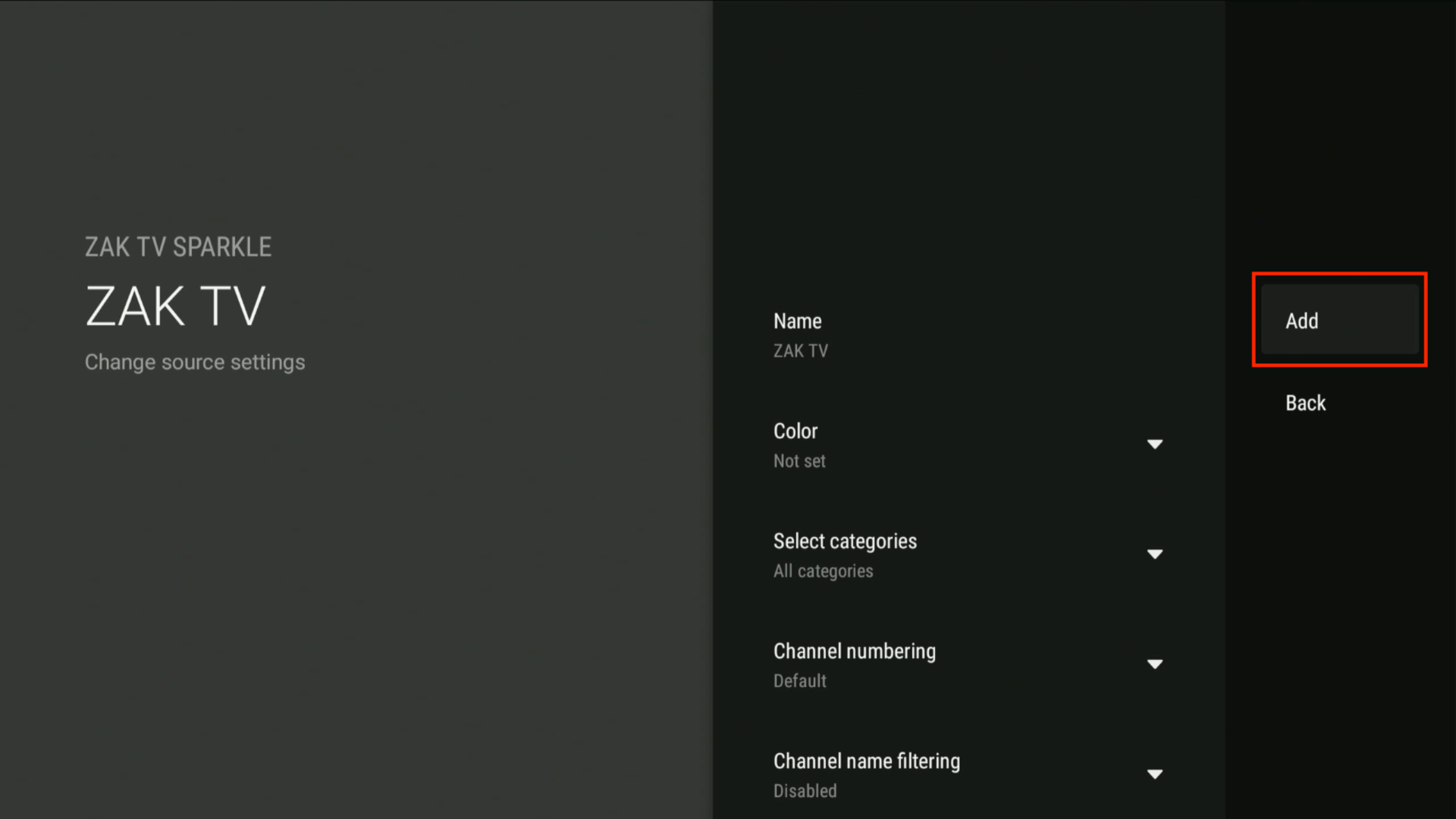
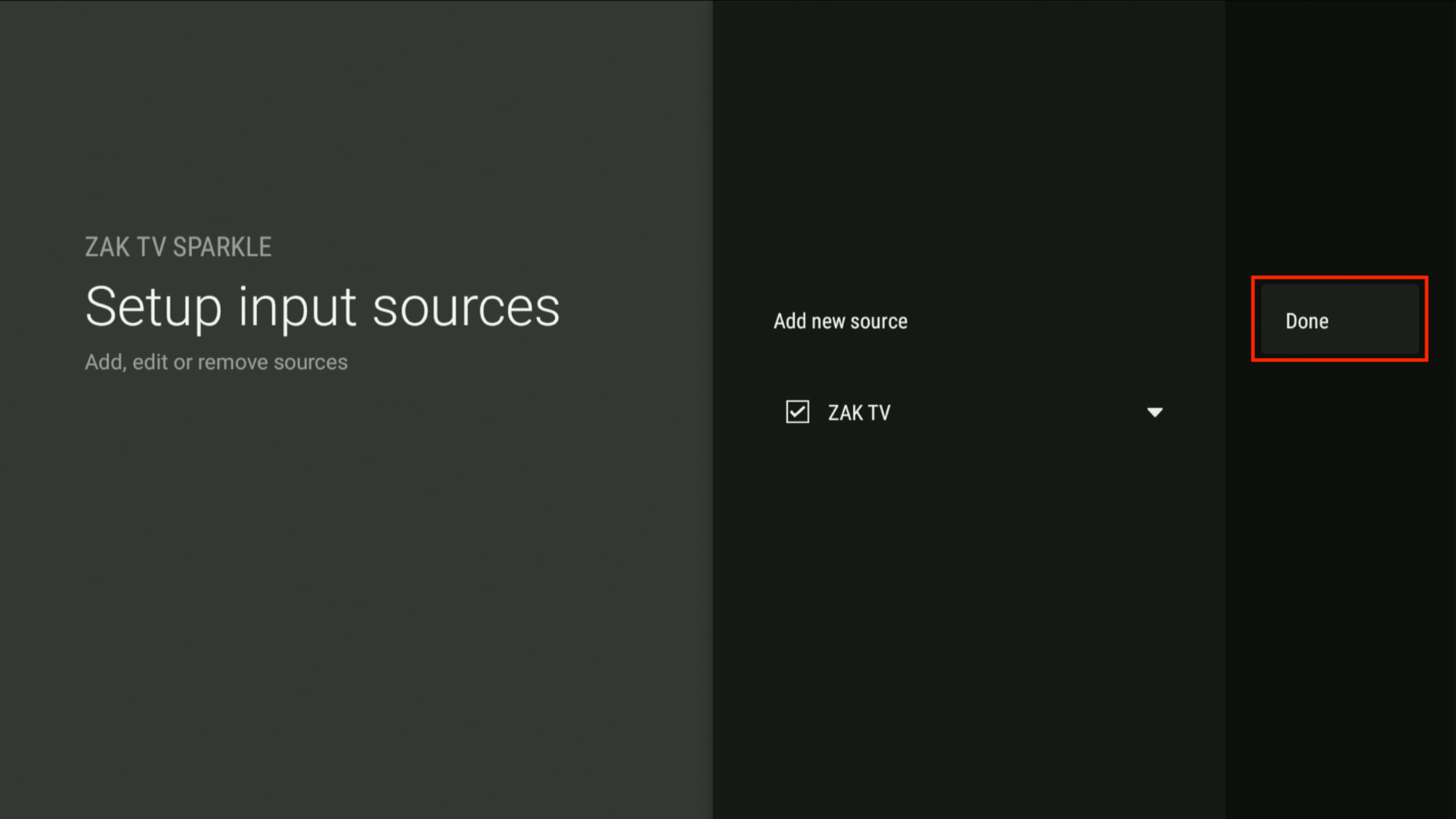
-
Allow time for the content to load, then select
Closeto finish the setup.
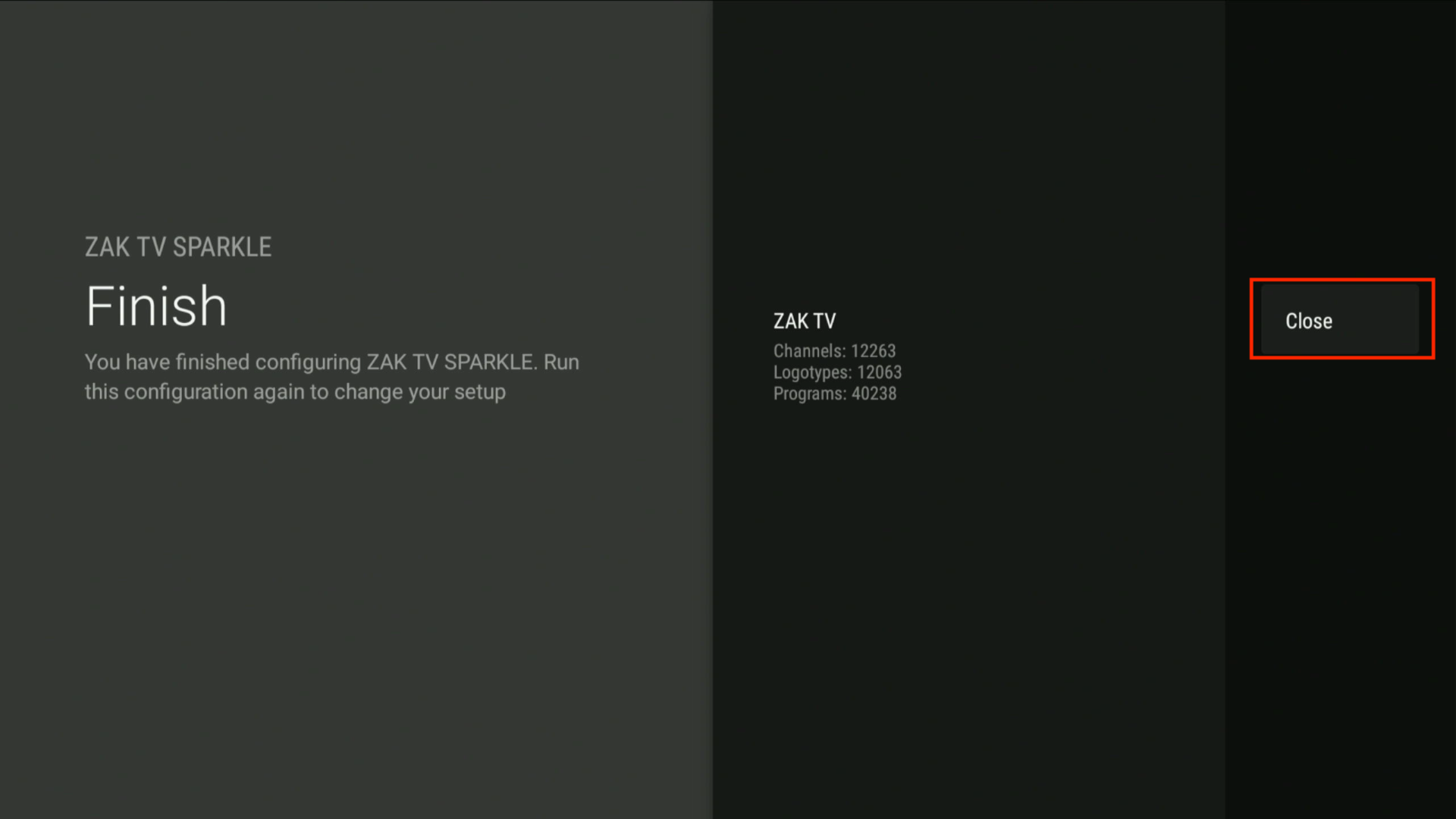
-
Enjoy your ZAK TV Sparkle experience! 🎉